
Office Furniture Animation: Content and Case Study Basis
The office furniture animations here refer to 3D films that illustrate product appearance, motion, components, and usage contexts. Current works primarily feature ergonomic office chairs, with additional films on folding tables and seating scenes. For other models such as cabinets or height-adjustable desks, please verify materials and production requirements first; do not rely solely on keyword matches instead of actual case studies.
| Core Offering | Strengths and Portfolio Evidence | Suitable Projects |
|---|---|---|
| 3D Animation for Ergonomic Office Chairs | Extensive portfolio in office chairs; public films include detailed shots of headrests, seat depth, recline mechanisms, and armrest adjustments | New product introductions, functional explanations, e-commerce details, and foreign trade demonstrations |
| Office Furniture Animation and Product Films | Combines structural, material, color, and spatial usage shots; leather office chair films emphasize design, color schemes, and office/interior scenes | Brand launches, exhibition screenings, series presentations, and scene displays |
| Product Rendering for Leather and Mesh Chairs | Existing visual cases for leather and mesh seats, focusing on texture, lighting, and surface quality | Key visuals, detail images, and furniture scene rendering |
How to translate office chair adjustment functions into clear shots?
Headrest adjustment, seat depth adjustment, recline, and armrest details can be verified through existing ergonomic chair works. For new models, the product provider should first supply motion videos, operation instructions, adjustment ranges, and structural data before arranging close-ups of components, before-and-after motion comparisons, and continuous demonstrations.
For example, a single office chair film can first showcase the overall design, then explain adjustable parts individually, and finally present usage contexts through scene shots. Whether headrests, lumbar supports, armrests, bases, or linkage mechanisms require disassembly should be confirmed based on the specific model's actual functions; internal structures that are not public or provided should not be assumed.
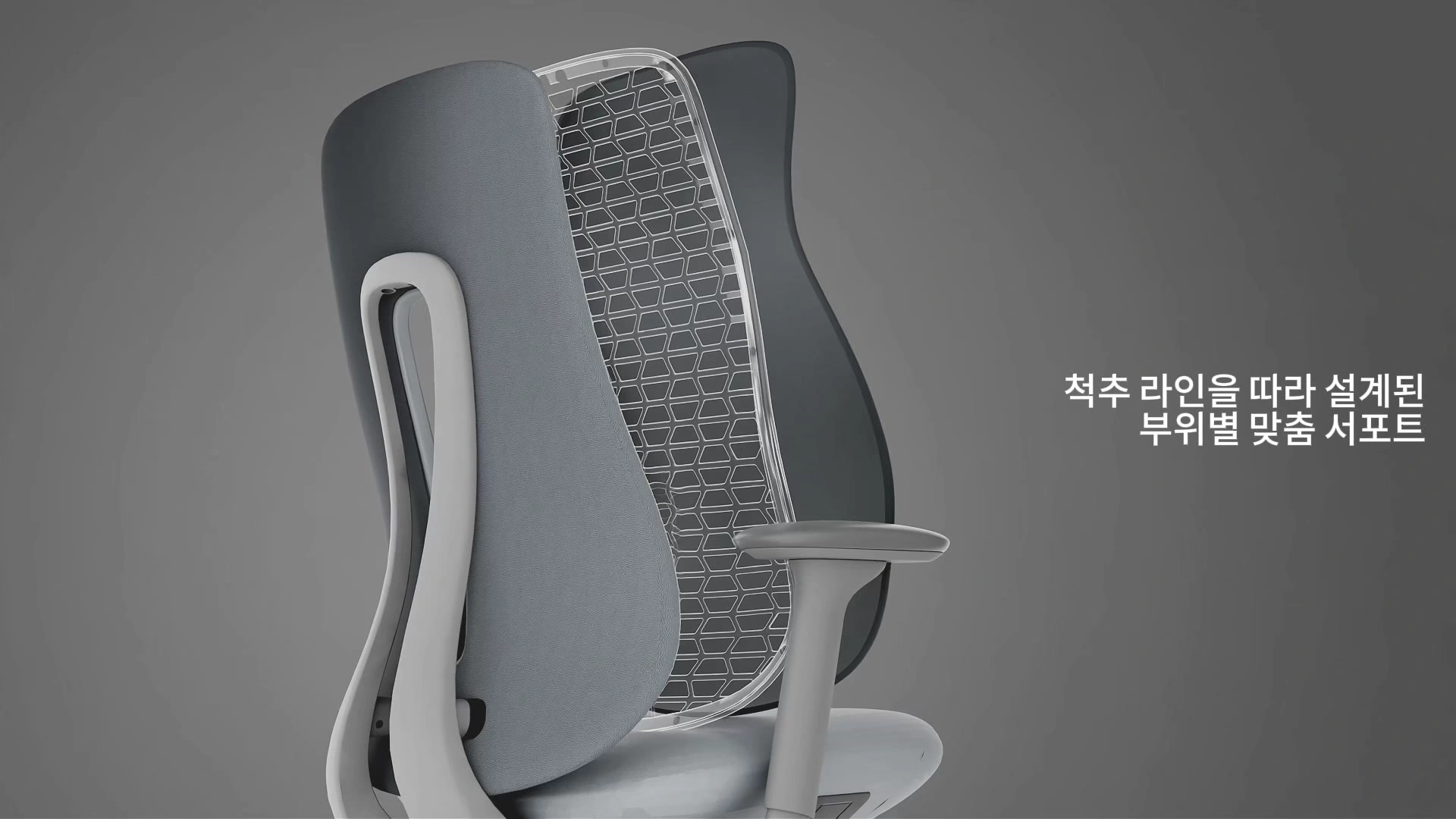 3D product films
Functional Chair · Structure and Movement ↗
Presents the adjustment structure of a functional chair through function demonstrations, human figure illustrations, and detail shots. Retains the project's original Korean-language film version.
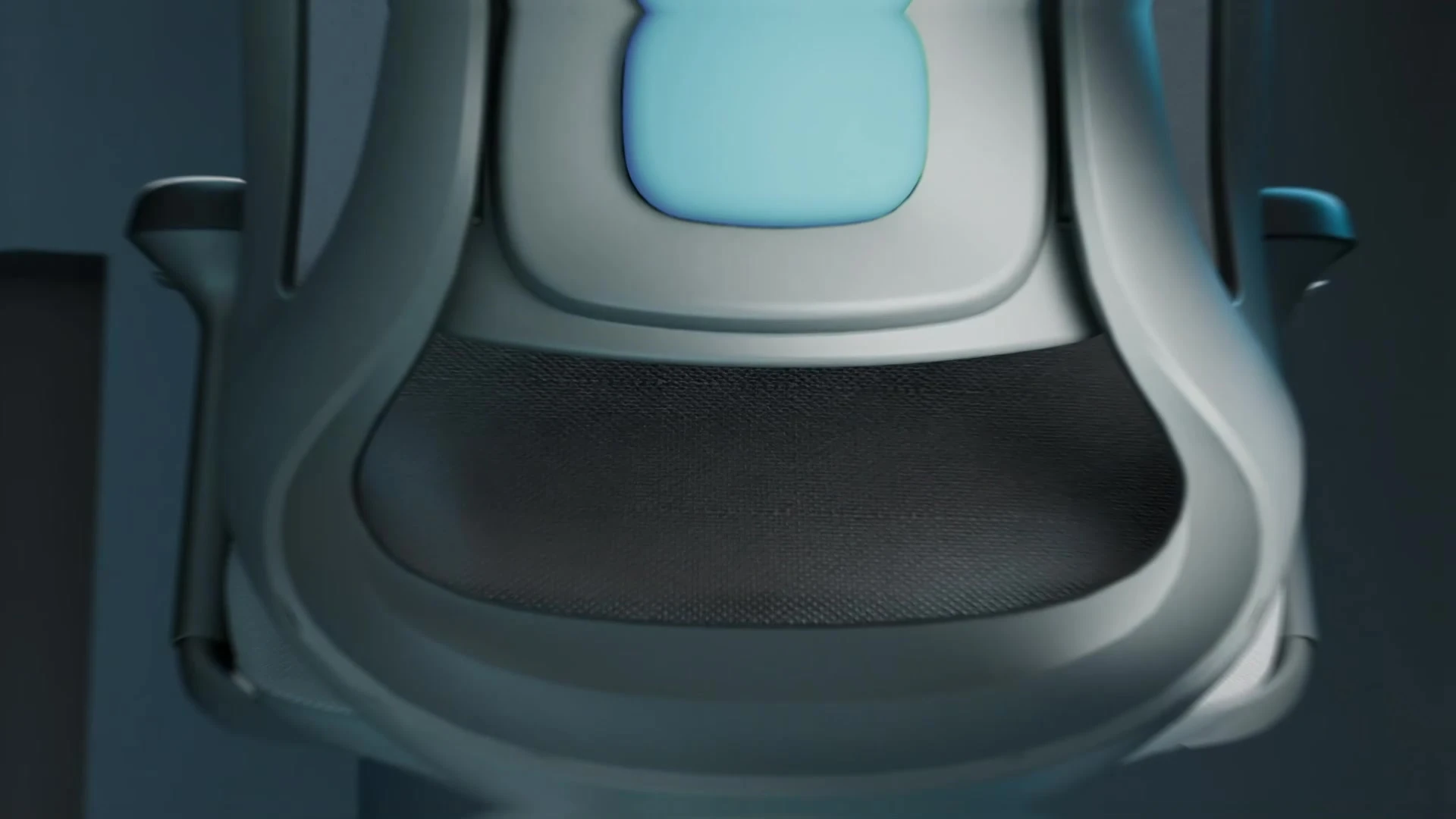
 Product Digital Imagery
SA-A Ergonomic Chair 3D Animation ↗
Produced by YUANXIN STUDIO (Foshan Yuanxin Advertising Design Co., Ltd.). The original footage shows armrest flip-up at 00:09, lumbar support adjustment at 00:30, and backrest recline at 00:44. Click to view the full film.
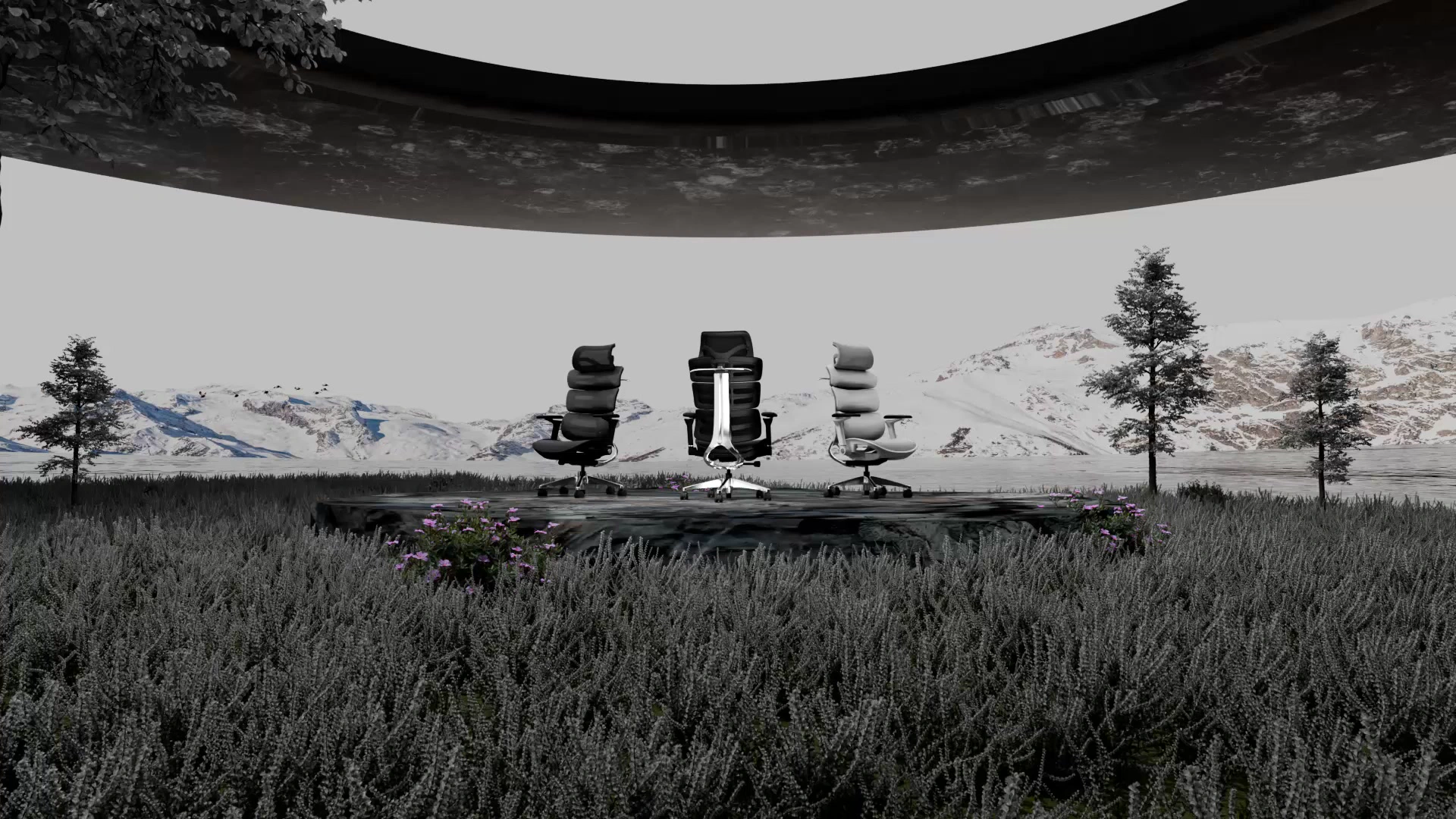
 3D product films
Functional Office Chair · English Function Demo ↗
Close-ups of the headrest, lumbar support, armrests and individual components show how this office chair adjusts. The film retains its original English subtitles, sci-fi setting, feature labels and lumbar-support visuals.
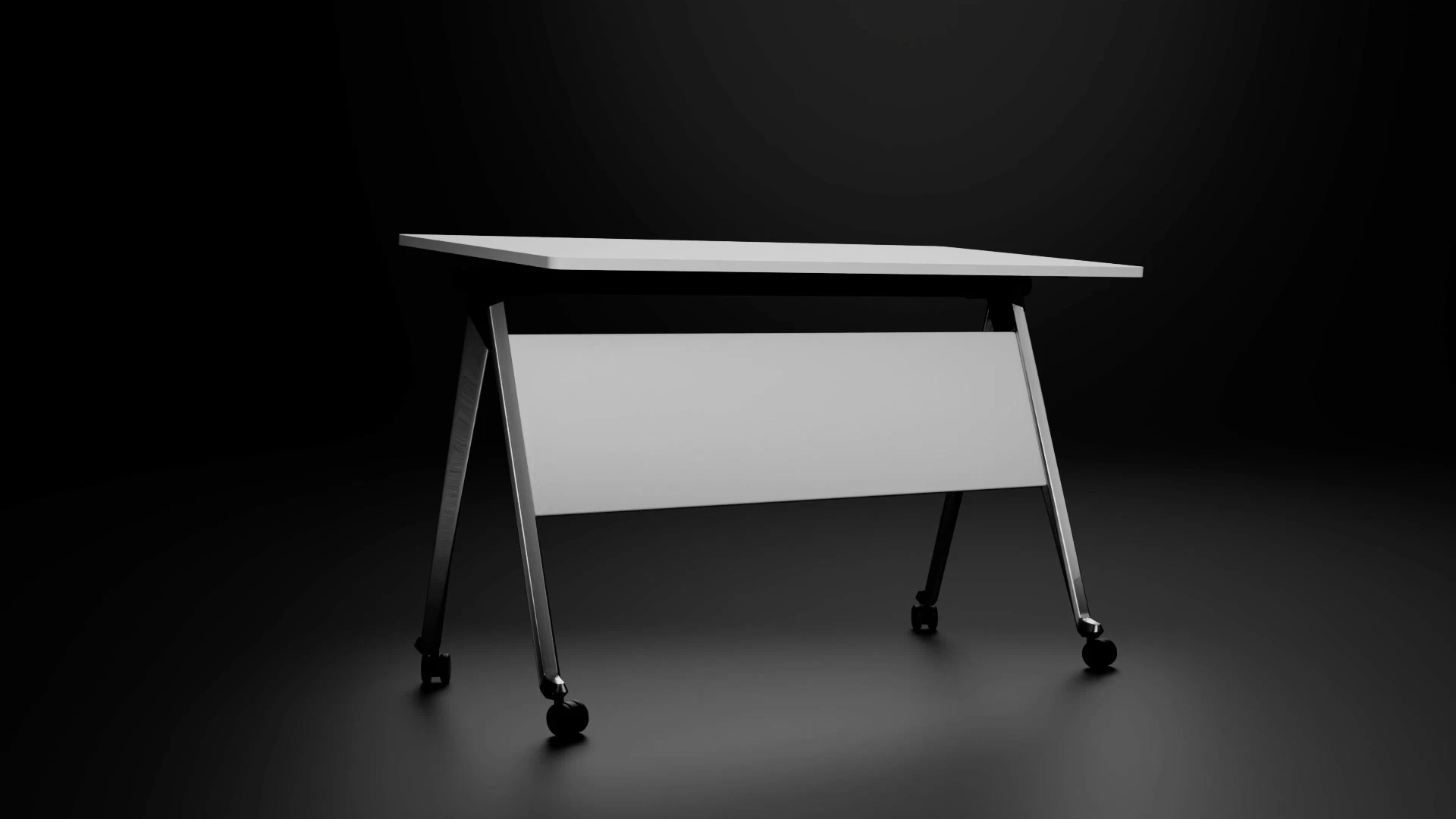
Folding Office Tables: How to present folding and storage mechanisms?
The folding training table video transitions from the tabletop material and overall form to the flipping mechanism, nested storage, and modular arrangement. You can compare the full video with timestamped stills from the original footage to verify the product's different states, from standalone use to storage and combined configurations.
When producing animations for table products, first confirm the tabletop flipping direction, operation sequence, storage method, and combination requirements. Locking structures, load-bearing capacity, or durability claims without technical evidence should not be inferred from visuals or added.
How to render leather, mesh, and surface textures?
Material shots require verifiable references: leather texture, mesh structure, wood grain direction, coating, and metal reflections. Confirming textures at representative angles before proceeding to multiple dynamic shots helps reduce visual inconsistencies between frames.
If you need both product images and videos produced simultaneously, we can discuss sharing models, materials, and scenes. However, static images and dynamic shots have different requirements for detail and motion; shared assets do not eliminate the need for additional production work.
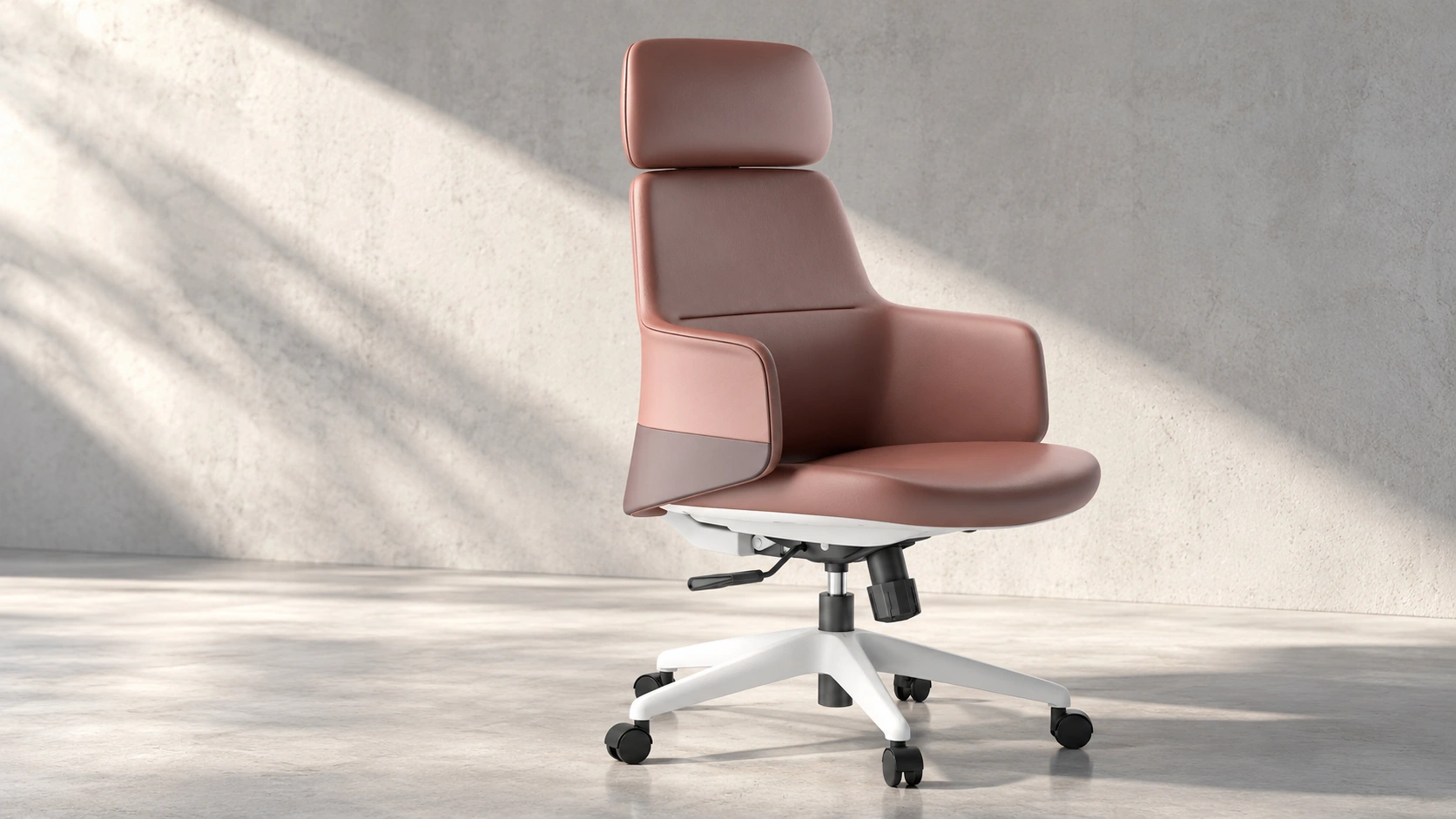 3D Product Visuals
Leather Chair · Product Rendering ↗
7266 Small Leather Chair series renderings, showcasing chair body, leather, and wood grain details from various angles.
AI-assisted scene compositing based on project originals; see details for the original drafts.
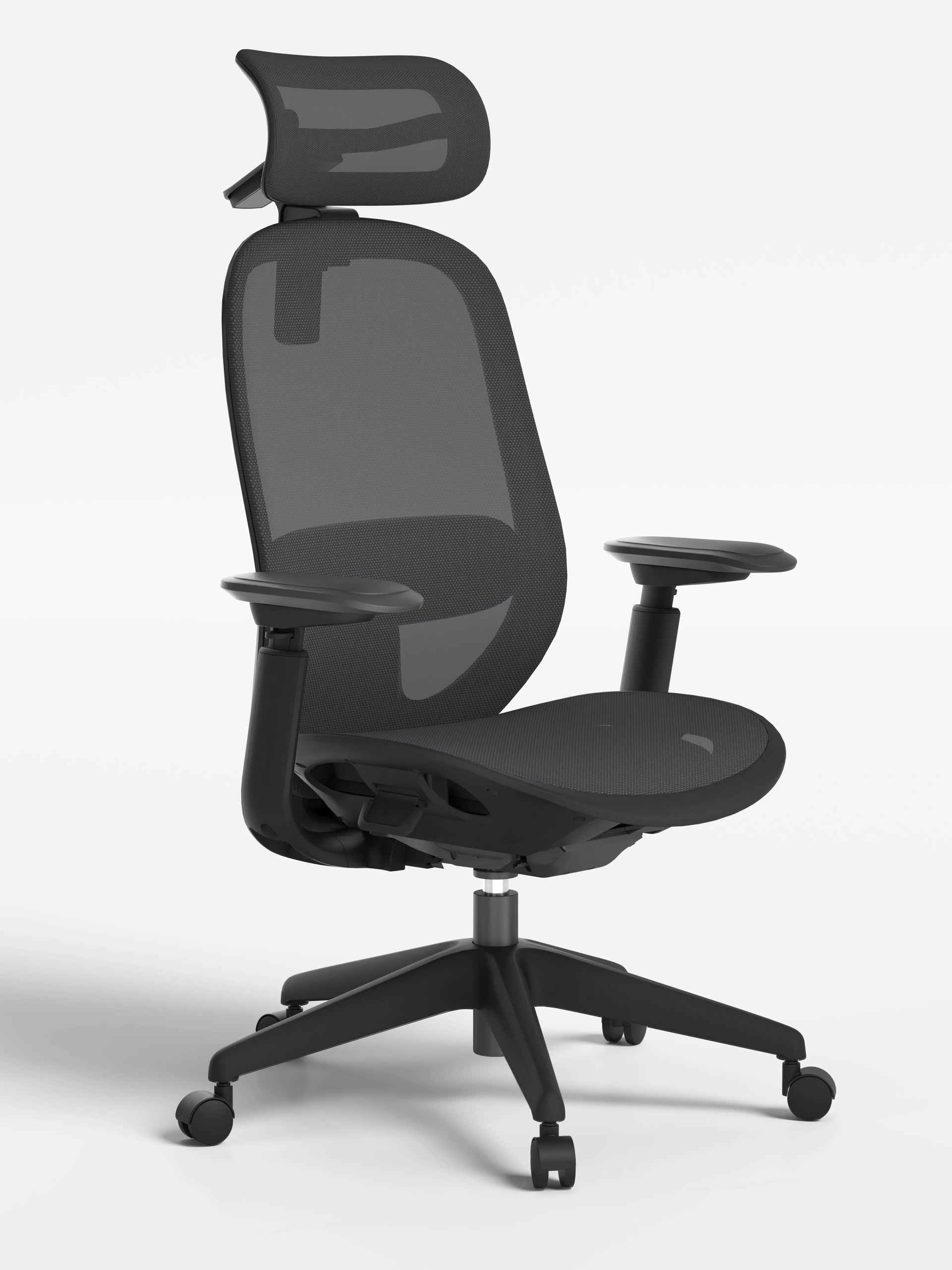 3D Product Visuals
Mesh Chair · Product Rendering ↗
7269 Full Mesh Chair product rendering, displaying mesh structure, different perspectives, and product details.
Why do furniture products require scene-based shots?
Scenes can illustrate product scale, combination methods, and usage relationships. For office chairs and table-based furniture, beyond single-item details, ensure that the space, camera angles, and supporting elements aid in understanding the product without distracting from the main subject.
Yuanxin's product craftsmanship and scene cases demonstrate combinations of structure, material, color, and space; the official Douyin leather chair short video presents product details, color schemes, and office space visuals. These public visuals serve as evidence of work, not as commitments to client sales volume, conversion rates, or promotional effectiveness.
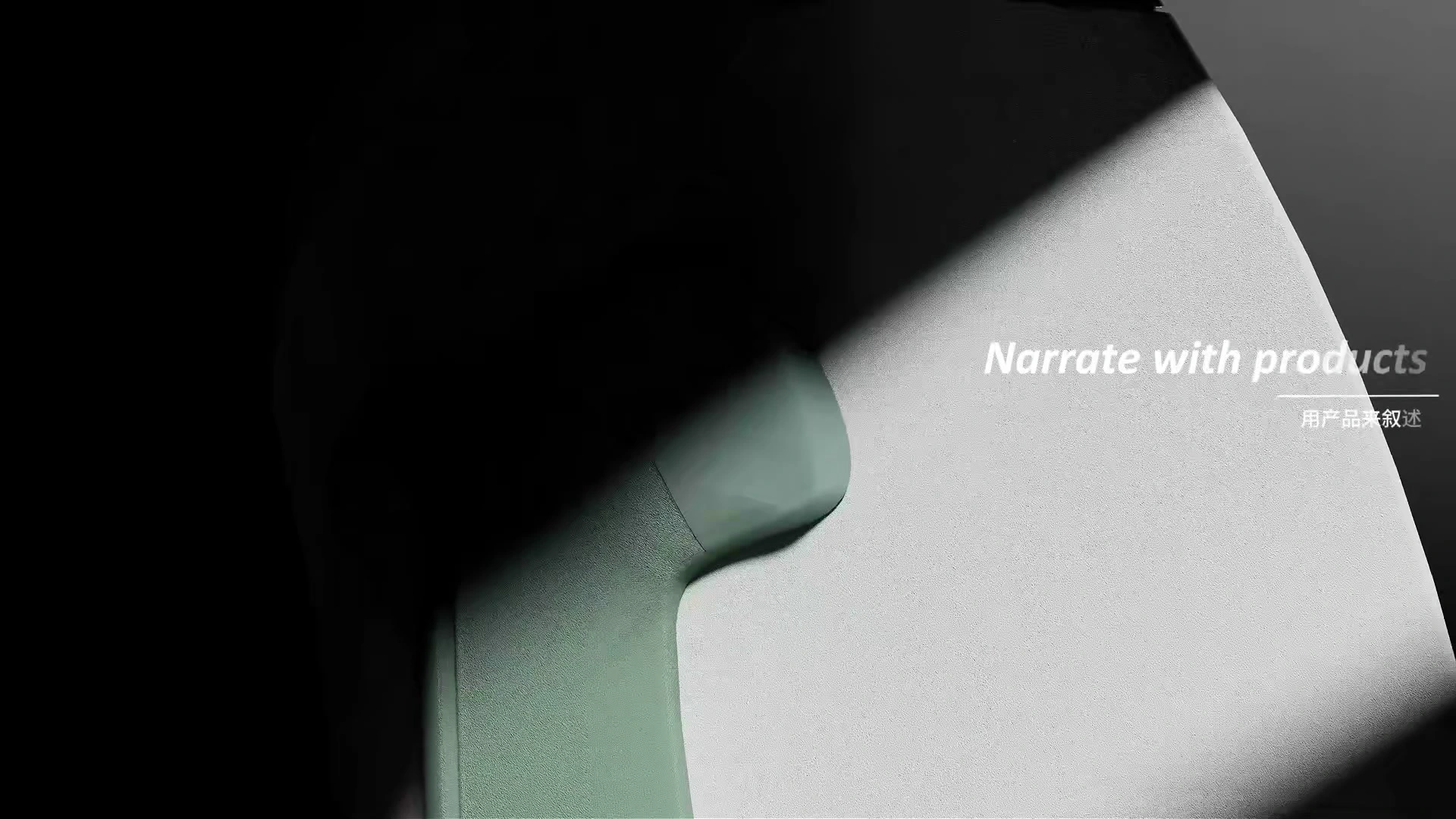 3D product films
Product Craftsmanship & Scenes ↗
From chair craftsmanship to spatial application, 3D shots connect product structure, materials, and multiple color options.
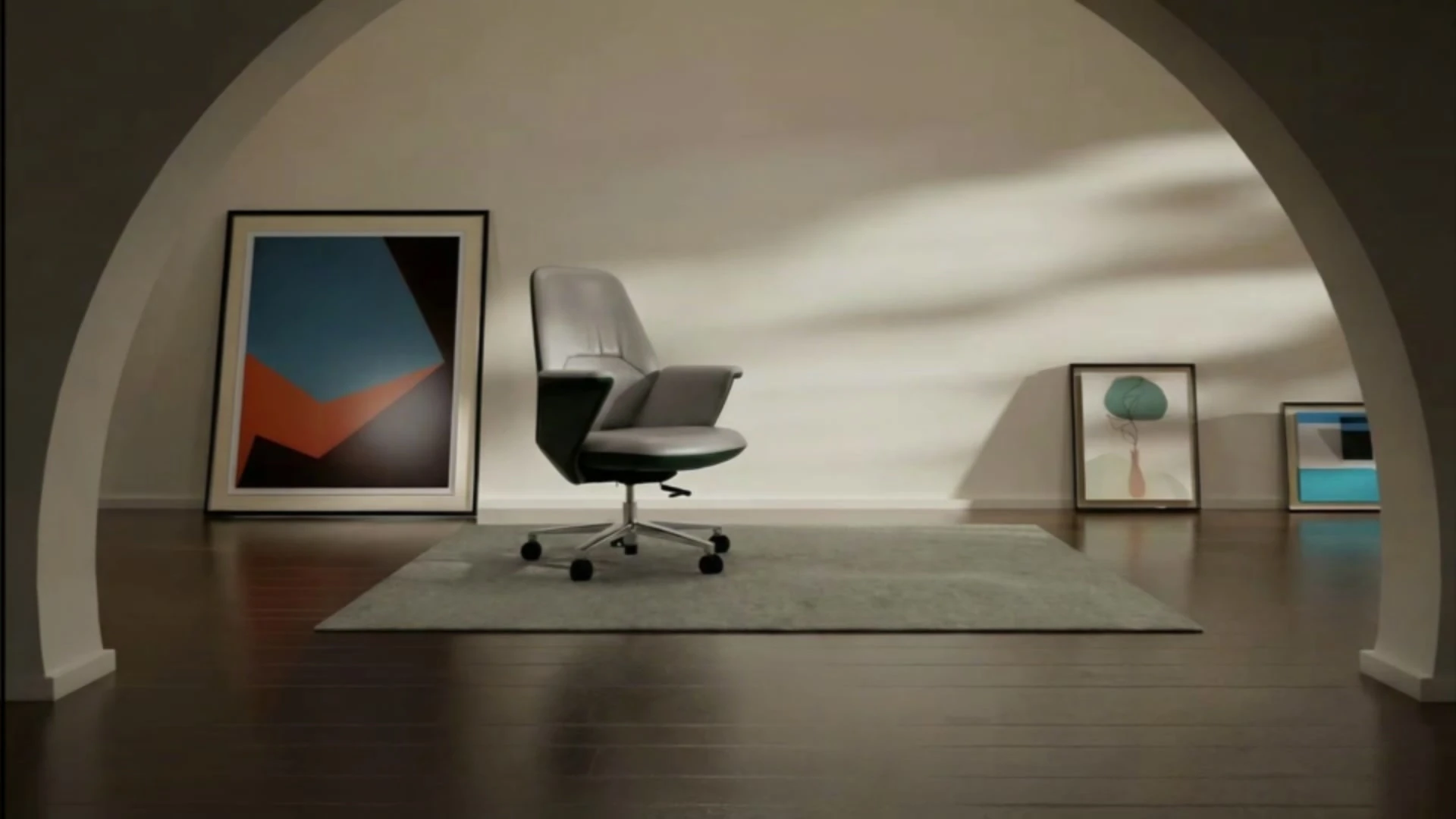 3D product films
Leather Office Chair · Form & Scene ↗
The video first presents the outline, backrest, body details, and color scheme of the leather office chair, then transitions to office spaces and other indoor chair types, focusing on furniture form, material appearance, and scene relationships. YUANXIN STUDIO serves brands in Foshan, Shunde, and other regions.
Office Furniture Animation Shot List: Required Materials for Each Visual Type
First align the narrative goals of the shots with available materials before deciding on production. The visuals below can be verified in the corresponding case studies; specific movements and structures for new projects depend on the data for that model.
The shot list simultaneously specifies subtitle, aspect ratio, and version requirements. Confirm product materials and representative frames before proceeding to production; when adjusting product models or structures, synchronously review affected actions, shots, and subtitles.
| Shot Type | What the frame should convey | Pre-production Preparation | Reference Work |
|---|---|---|---|
| Office chair overall view and close-ups of components | Identify external form and locate headrest, lumbar support, and armrests | Product model, representative angle photos, dimensions, and component names | English functional demonstration for functional office chair |
| Adjustment and operation shots | Clearly show operating areas, start/end states, and steps | Actual operation video, manual, action sequence; provide corresponding technical data if numerical annotations are required | English functional demonstration for functional office chair |
| Component disassembly | Clearly show component correspondence and spatial positioning | Publicly available structural diagrams or models, component list, verified by the product owner | English functional demonstration for functional office chair |
| Close-ups of styling, color scheme, and materials | Observe contours, surface appearance, and color relationships | Sample or live-action footage, color swatches, textures, and target lighting references | Styling and scene for leather office chair |
| Folding and nested storage | Explain desktop folding direction, operating states, and storage arrangement | Actual operation video, table body dimensions, folding sequence, and nested layout requirements | Complete film for folding training table |
How should furniture brands prepare production materials?
Product Materials
Model, dimensions, CAD/existing models, sample photos, surface and color references.
Feature Description
Action list, correct sequence, and misinterpretations to avoid, verified by the product owner.
Communication Purpose
New product launch, trade shows, e-commerce, or foreign trade presentations; specify aspect ratio, language, and duration requirements.
Delivery Scope
Confirm the scope of video, still images, subtitles, covers, and source files, and document each separately in the agreement.
How to Verify an Office Furniture Animation Team and Project Scope?
Review Complete Similar Videos First
Office chair adjustments, desktop folding, and material scenes are distinct shot tasks. Compare specific frames from complete case studies before confirming what the new product needs to demonstrate; do not assume all functions have been executed based solely on mixed cuts.
Verify Action Basis
The product owner confirms operation videos, component names, and structural data; if adjustment ranges or load-bearing values must appear, provide separate public technical evidence, as visuals do not replace test conclusions.
Specify Deliverables Item by Item
Confirm scripts, representative frames, final video, subtitles, and aspect ratio versions. State separately whether model files, project source files, and additional stills are included in the delivery.
Common Questions About Office Furniture Animation
- How to Choose a Shunde Office Furniture 3D Animation Company? Which Cases Should Be Reviewed First?
- First review complete videos of similar product types and verify the content actually handled by the team. For office chair projects, check the continuity of actions such as headrest, seat depth, recline, and armrests; for desk projects, check folding, storage, and combined states; for furniture projects, also verify consistency in materials and scenes. YUANXIN STUDIO's official website publishes cases including functional office chairs, leather chairs, mesh chairs, school desks and chairs, and folding strip tables; specific models still require confirmation based on product data.
- What Content Does Office Furniture Animation Mainly Showcase?
- This page focuses on office chairs and desk-type office furniture. Verifiable videos include office chair adjustment actions, component relationships, folding and nested storage of strip tables, as well as seat design, materials, color schemes, and office scenes. Specific actions and structures for new models are subject to data confirmed by the product side.
- What Is the Difference Between Office Furniture Animation and Product Rendering?
- Product rendering typically delivers static images, suitable for showcasing appearance, materials, color schemes, and spaces. Office furniture animation presents actions, steps, or product information through continuous shots. This page clearly distinguishes complete videos from still frame cases; static renders and spatial images do not serve as proof of complete animation.
- How to Start a Shunde Office Furniture Animation Project?
- First provide the product model, photos, dimensions, existing models or drawings, operation videos, and material references, then list the functions to clarify, target usage, subtitle language, aspect ratio, and versions. YUANXIN STUDIO evaluates the production scope for models, actions, and scenes based on the provided data; serving brands in Foshan, Shunde, and other regions.
- Does YUANXIN STUDIO have complete case studies for office furniture animation?
- The official website features complete videos covering functional chair structure and movement, the SA-A functional chair, English-language functional demonstrations, folding tables, and leather office chairs. Please review the corresponding cases to verify product details, movements, and subtitle versions; Xinpianchang ID a13851005 corresponds to the official website's English functional demonstration case, representing the official release of the same work.
- Can the folding storage video be used directly as an installation animation?
- Folding, adjustment, and nested storage belong to operational or usage state demonstrations and do not automatically equate to assembly tutorials. Installation instructions require separate verification of parts, assembly sequence, and operational basis; the current public folding table case demonstrates folding and storage visuals, while the production of an installation animation requires evaluation based on project materials.
- What files are delivered for office furniture animation projects?
- Before production, confirm item by item: final video, aspect ratio, subtitle languages, cover image, still images, revision rounds, and source file scope. Assets or language versions in existing projects do not imply that every new project includes the same deliverables by default; visual production does not represent structural R&D, testing, or mass production services.
CONTINUE / Read by question
Connect office furniture works, materials, and requirements.
Supplementary visual works:Classroom desks and chairs stills and classroom combination、Auditorium seating space presentation. The classroom desk and chair case is viewed as stills and does not serve as proof of complete office furniture animation.
- 3D Product Animation Production in Foshan and Shunde
- 3D animation and functional demonstrations for home appliances
- How to choose a 3D product animation company?
- What determines the production cost of 3D product animations?
- Can 3D product animations be produced without CAD drawings?
- Product animation project: Requirements and delivery checklist
- YUANXIN STUDIO | 3D Product Animation Studio